AI-Powered Interview Assistant

Never blank on an
interview question again

Real-time AI coaching that floats invisibly over your screen. Get instant, contextual answers while staying in the flow of conversation.

Available for
macOS & Windows
Can you tell me about a time you had to debug a complex system-level issue?
Sure. At my last role, we had a memory leak in our data processing pipeline that took weeks to identify. I started by analyzing heap dumps and correlating them with our metrics dashboards to narrow down the timeframe when the leak began...
What tools did you use...

Everything you need to ace the interview

Powerful features designed to give you confidence without being intrusive.

Real-Time Transcription

Captures audio from your video call and transcribes in real-time. Works with Zoom, Meet, Teams, and more.

Ghost Mode

Click-through transparency lets mouse events pass through. The overlay is truly invisible to screen shares.

Context Injection

Upload your CV, job description, and company docs. AI tailors responses to your specific background.

~200ms Latency

Real-time pipeline delivers responses fast enough to use mid-conversation. No awkward pauses.

Multi-Persona System

Create personas for different roles. The AI becomes "Jake, Senior Engineer" with your background baked in.

Secure & Private

API keys encrypted via OS keychain. No data leaves your machine except to OpenAI. No telemetry.

Up and running in 3 minutes

No complex setup. No account required. Just your OpenAI API key.

1

Download & Install

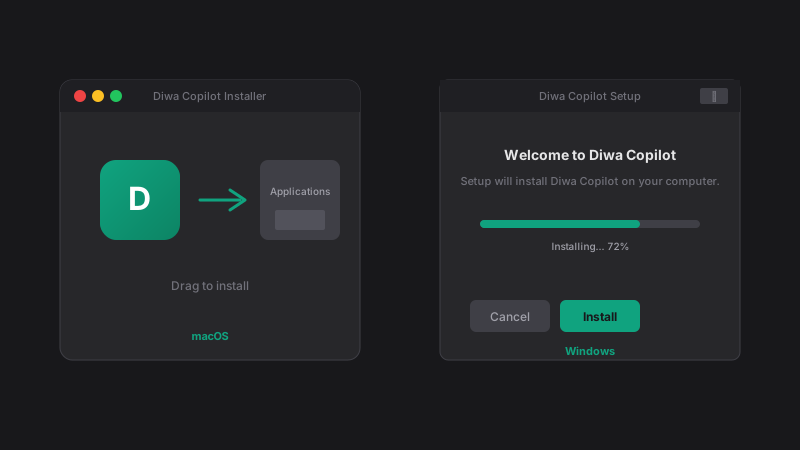
Grab the installer for macOS or Windows. No sign-up needed.

2

Add Your API Key

Paste your OpenAI API key. It's encrypted and stored locally.

3

Start Your Interview

Launch DIWA, join your call, and let the AI handle the rest.

"Used DIWA for my Google L5 loop. The STAR method prompts were clutch for behavioral rounds. Got the offer."
JK
Software Engineer FAANG Candidate

Common Questions

Transparent answers for a transparent tool.

๐Ÿšจ Why does my computer say the app is "Unrecognized"?

Because we are in early Beta, we haven't bought expensive code-signing certificates yet.

macOS: Right-click the app icon and select Open. (If you double-click, it might block you).
Windows: Click "More Info" → "Run Anyway".

๐Ÿ”‘ Is my API Key safe?

Yes. We are a "Bring Your Own Key" app. Your key is stored locally on your device (encrypted via your OS Keychain). It is sent directly to OpenAI's servers to generate answers. It never touches our servers because we don't have any servers.

๐ŸŽง Why do I need "BlackHole" on Mac?

macOS is strict about privacy and doesn't let apps "listen" to your Zoom/Teams calls by default. BlackHole is a free, open-source driver that routes the audio to DIWA.

Pro Tip: To hear the call yourself while DIWA listens, you will need to create a Multi-Output Device in your "Audio MIDI Setup" app. DIWA includes a guide for this!

๐Ÿ’ฐ Is it really free?

The app is free during the Beta period (until May 1, 2026). You only pay OpenAI for the API usage, which is usually pennies per interview.

Ready to ace your next interview?

Download DIWA Copilot for free. Bring your own OpenAI API key.

v1.1.0 ยท Requires OpenAI API key ยท 1 downloads